Chess Cheater
Repo: github.com/Mastaba/Chess-Cheater
The name is a joke — the README is upfront that this isn’t for cheating in live games, it’s for studying afterward. Chess Cheater is a desktop app for reviewing games, exploring openings, and picking apart positions with a local Stockfish engine, built in Python with Pygame for the UI.
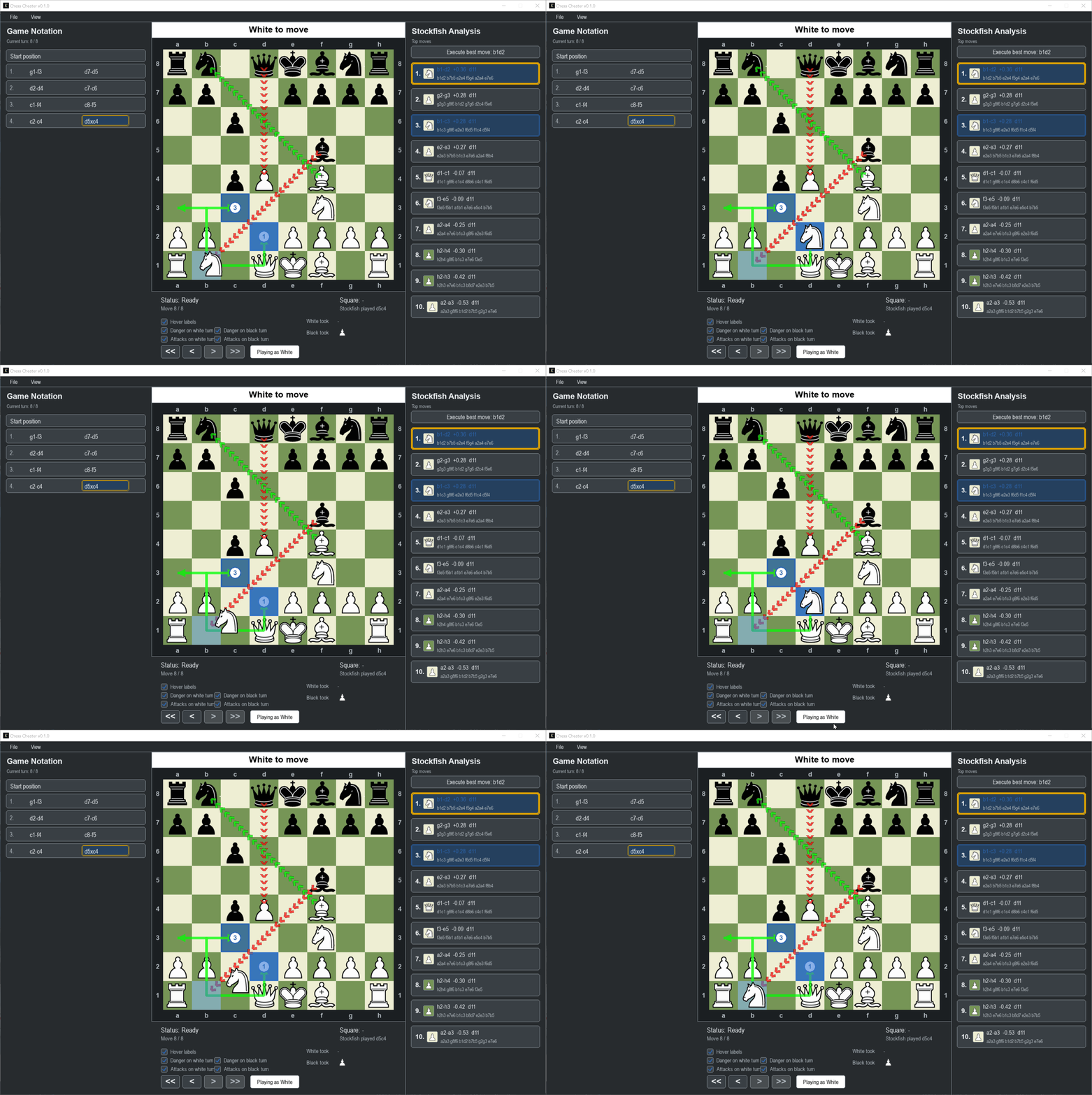
The part I actually built this for is the opening study mode. Load a game, or just start playing out a position, and it constantly checks your current line against 355 bundled opening PGNs — split into main lines, variations, “established” openings, and a grab-bag “extra” set. For every piece you select, it draws numbered circles and green arrows to the destination squares that would keep you inside known opening theory, and a sidebar lists the matching opening names for wherever you land. Instead of memorizing move lists or tabbing over to a database, you just see, live on the board, which of your options are “book” and which ones are you improvising.
Everything else exists to support that: full game navigation (rewind, step, jump to start/end) with move history preserved, PGN import/export with clickable moves, board flipping, coordinate overlay on Ctrl, capture tracking, and Stockfish’s top-move suggestions rendered as animated previews you can actually execute on the board rather than just reading as text. It ships as a Windows build via PyInstaller with Stockfish bundled in, and as a .deb for Debian/Ubuntu that uses the system Python and Stockfish packages instead.
Like the rest of what ends up on this site lately: 100% coded with coding agents. Pygame’s immediate-mode-ish drawing model turns out to be a decent target for this kind of work — a lot of the app is “given this game state, draw these squares/arrows/circles,” which is exactly the kind of spec-to-code translation that’s easy to describe precisely and easy to verify by looking at the board.